Setting Up Ethereum and Bitcoin Test Wallets
Prepare separate test wallets, choose the correct network, request test assets and verify practice transactions without reusing mainnet credentials.
DTCC Trading Editorial

A testnet wallet lets you practice network operations in a separate environment. Test assets are intended for experimentation, but the software still handles real signing keys. Keep those keys separate from accounts that hold valuable assets.
This guide explains the setup decisions for test wallets on Ethereum and Bitcoin. The two ecosystems use different networks and tools, so a wallet, faucet and explorer must all agree on the exact test environment.
What a Test Wallet Provides
A test wallet signs transactions for a testing blockchain. Test environments resemble production in useful ways, but they can differ in network conditions, supported features and service availability. A successful test is evidence about that test environment, not a guarantee of mainnet behavior.
Useful exercises include receiving an asset, reviewing an unsigned transaction and following a submitted transaction through its result. These exercises help separate wallet state from network state without requiring a purchase of mainnet assets.
Learning how to access real crypto is a separate decision from learning a test workflow. Testnet practice does not establish that a production application is secure or that a purchase provider is suitable. DTCC Trading availability must be checked within its actual product.
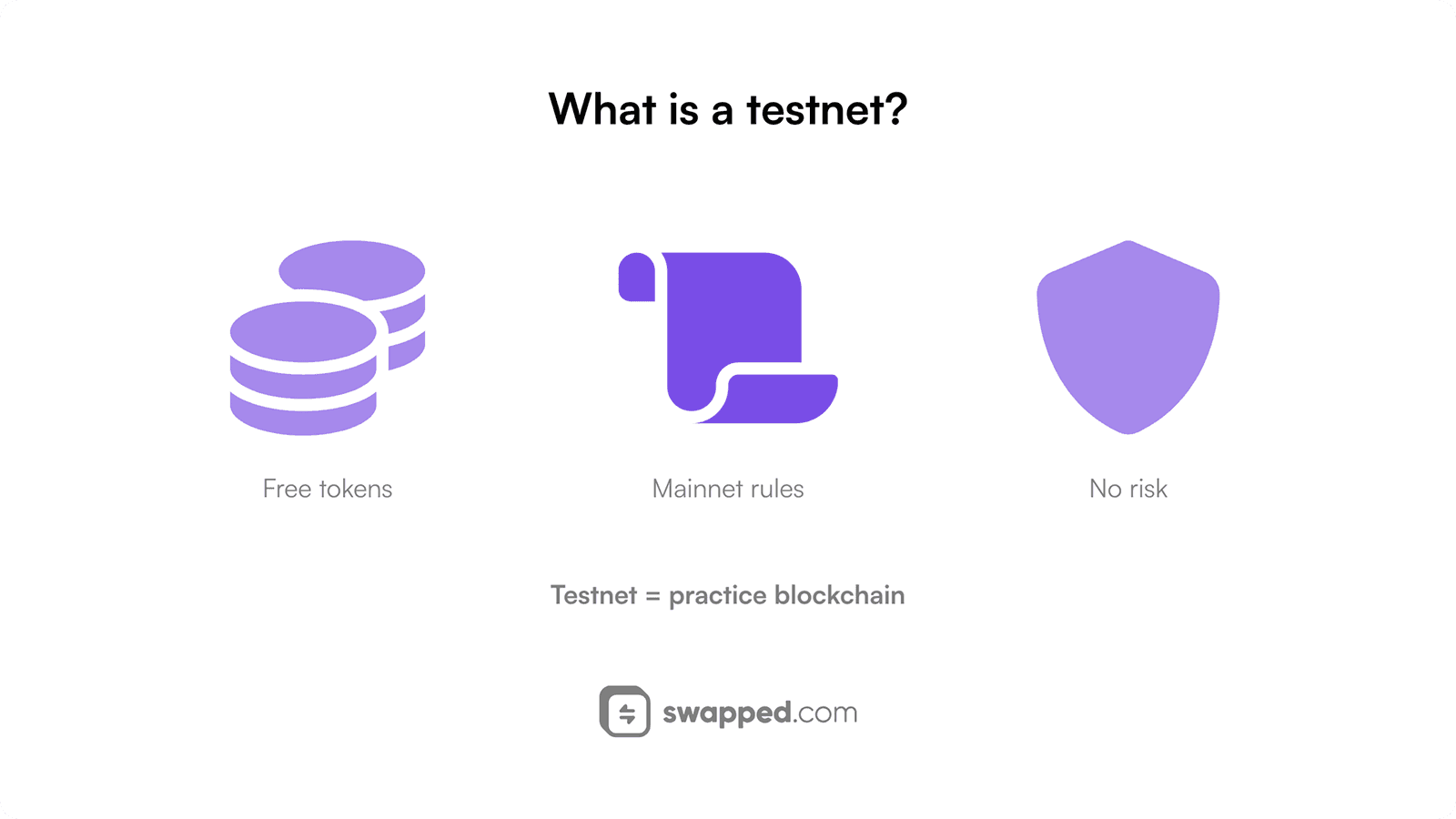
Use a separate wallet and verify the selected test network before every practice transaction.
Preparing an Ethereum Test Wallet
Ethereum maintains distinct testing environments for different purposes. Sepolia is intended for application development, while other networks serve different testing needs. Check the current Ethereum network documentation before choosing a wallet connection.
Install From the Verified Source
For a wallet such as MetaMask, start with its official website and follow its verified installation path. Check the publisher and requested permissions. Search advertisements and unsolicited support messages are not reliable installation sources.
Create a separate wallet for testing and follow the wallet’s own backup instructions. If it provides a recovery phrase, keep that phrase private and offline. Do not import the recovery material of a mainnet wallet merely to make a test more convenient.
A test account can still authorize malicious permissions if reused elsewhere. Separation limits that exposure and makes network mistakes easier to notice. Give the account a clear test-only label without including private recovery information.
Choose the Correct Ethereum Network
In MetaMask, the network selector includes an option to show test networks. Enable it and select the environment required by the application. Wallet menus can change, so use the wallet’s current instructions if the control appears in a different location.
Check the displayed network before continuing. If a custom connection is required, obtain its details from the network’s official documentation. An RPC endpoint can affect the information the wallet receives, so do not add one from an unsolicited message.
An Ethereum account can show the same address on multiple compatible networks while holding separate balances on each. A familiar address therefore does not prove that the wallet is connected to the intended network. Check the chain as well as the account.
Requesting Test ETH
A faucet distributes test assets under its own limits and eligibility rules. Use the faucet references provided by the relevant network documentation and confirm that it supplies the exact network you selected.
A faucet generally needs a public receiving address and may apply other access checks. It does not need your private key or recovery phrase. Review any connection or signature request and stop if the requested authority exceeds the stated purpose.
After requesting funds, inspect the transaction on a matching testnet explorer. Compare the destination and amount with the wallet balance. A faucet submission message is not itself proof that the network transfer completed.
Preparing a Bitcoin Test Wallet
Bitcoin has multiple testing environments, including testnet, signet and local regtest. Wallet support varies. Select software whose current documentation explicitly supports the same environment as the faucet and explorer you plan to use.
Check the Wallet’s Network Support
Read a wallet project’s official documentation before installation. Do not assume that a Bitcoin mainnet wallet provides a testnet mode or that an old tutorial’s menu still exists. The supported network and current software version must be clear.
Create a separate test wallet using the selected software’s documented procedure. Bitcoin Core provides network-specific operating modes, while other wallets expose different controls. Confirm the environment from the running application before generating a receiving address.
Back up the test wallet according to its actual wallet format and keep the backup separate from production material. Address appearance can help catch mistakes, but it is not a substitute for verifying the active network and connection.
Receiving Test Bitcoin
Obtain a receiving address from the test wallet and use a faucet for the same testing environment. Testnet versions and signet are not interchangeable. If a faucet rejects the address, resolve the mismatch instead of changing the destination blindly.
Wait for the transaction to appear on the corresponding network and review its confirmation state. Test-network block timing and service availability can vary substantially. A mainnet timing assumption is not a dependable testnet completion promise.
Once the wallet shows confirmed test funds, practice a small transfer to another address you control in that same environment. Review the output amount, fee and destination, then compare the wallet record with the explorer result.
Useful Practice Exercises
Practice reading a transaction before authorizing it, recording its identifier and checking the final outcome. Deliberately compare a wrong-network explorer with the correct one to understand why a valid identifier can appear missing in the wrong place.
For an application test, use the project’s verified test deployment and record the contract or asset identifier. Test an expected failure as well as a successful operation. Clear failure handling is part of understanding the workflow.
The ability to practice a transfer does not require buying Bitcoin or another mainnet asset. Keep learning exercises separate from purchase prompts, especially when a site claims that paid assets are necessary to unlock a test reward.
A useful test record states the network, wallet version, operation and observed result. Repeat relevant checks on the actual production setup before relying on it, because configuration, liquidity, costs and contract state can differ.
Related Reading
Use current wallet and network documentation to supplement these setup principles. Retained tutorial links should be checked for their supported network and software version.