Two-factor authentication combines two distinct kinds of evidence when signing in. Compare methods, recovery arrangements and phishing resistance rather than treating every extra code as equivalent.
Two-factor authentication, or 2FA, strengthens an account login by requiring evidence from two different factor categories. It is useful to understand which account it protects and how recovery works. A second login factor is not the same as a blockchain transaction signature.
What Two Factors Mean
Authentication factors are commonly grouped as something you know, something you have and something you are. A password plus proof from an enrolled device can use two categories. Two passwords are still two examples of the same knowledge factor.
A service may combine factors through separate prompts or through one authenticator that requires local activation. The visible number of screens does not alone determine the strength. What matters is how the method proves control and resists relevant attacks.
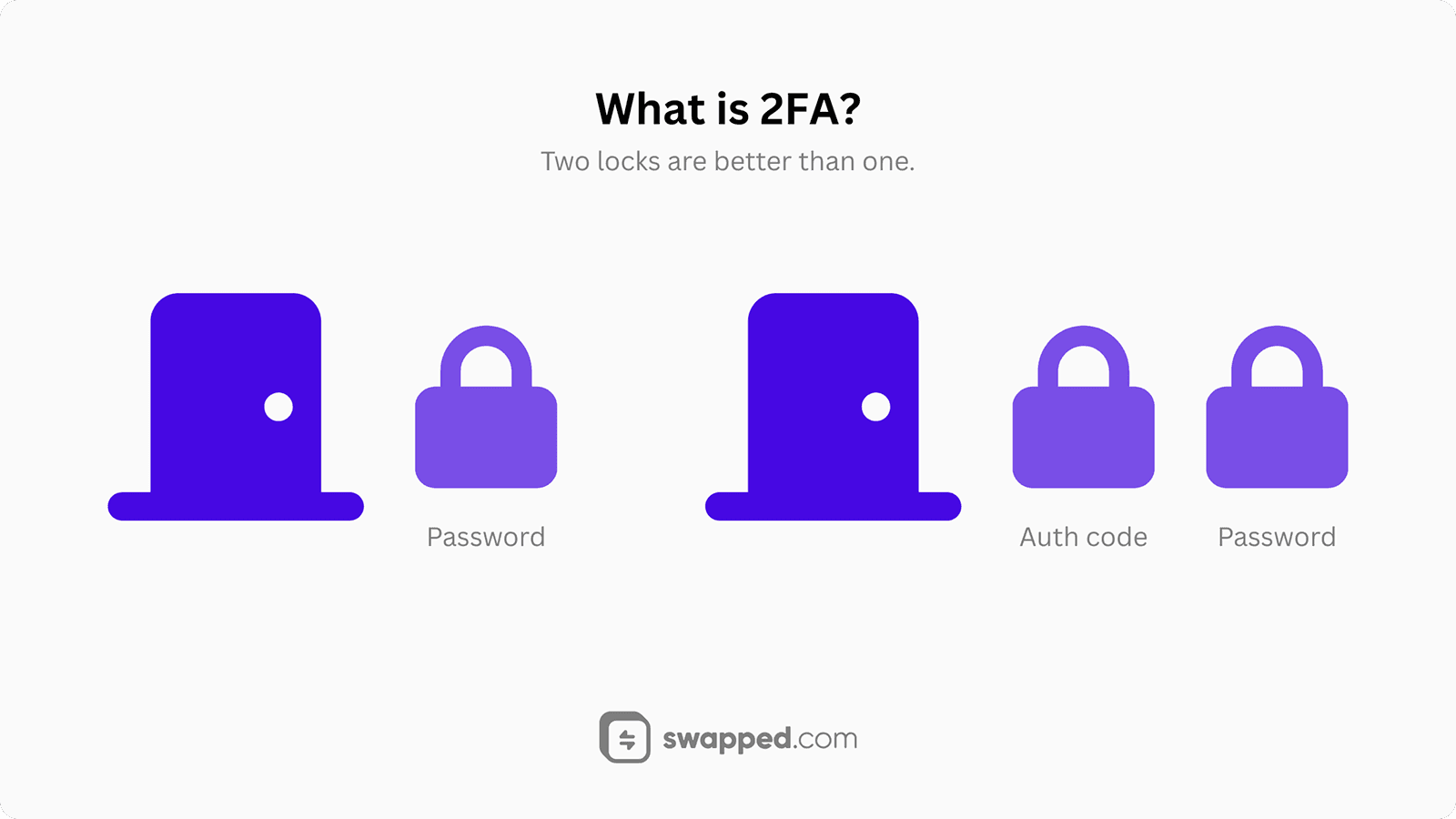
Two factors provide distinct evidence; two prompts are not automatically 2FA.
What 2FA Protects
For an exchange or other hosted service, 2FA can protect account access and sometimes sensitive actions. The service defines where it is required. An account setting does not automatically add protection to an independent wallet’s private keys or recovery phrase.
Account Access and Asset Control
An attacker who gains an account session may obtain access to personal information or transaction controls, depending on the service. Strong authentication reduces particular login risks, while permissions, session handling and withdrawal controls remain separate parts of the system.
Password Exposure
Passwords can be reused, phished or exposed in a breach. A second factor can make a stolen password insufficient for a login. Its benefit still depends on the implementation and whether the attacker can also obtain or relay the second factor.
That is why comparing methods matters. A code typed into a false website can be relayed, while a properly implemented phishing-resistant authenticator binds its response to the legitimate service.
How Authentication Is Checked
During enrollment, the service associates an authenticator with the account. Later logins use it to demonstrate the required factor or combination of factors.
Knowledge Factors
A password or PIN demonstrates knowledge of a secret. Choose and manage it according to the service’s supported security approach. Do not assume that a memorable personal detail is a private secret merely because it is easy to recall.
Possession Factors
A registered device or security key can demonstrate possession of an authenticator. Some methods generate a code; others perform a cryptographic exchange. The latter can provide properties that a manually copied code does not.
Common Authentication Methods
Services offer different methods, and the available recovery options can affect the overall protection. Evaluate the method together with how it is enrolled, replaced and recovered.
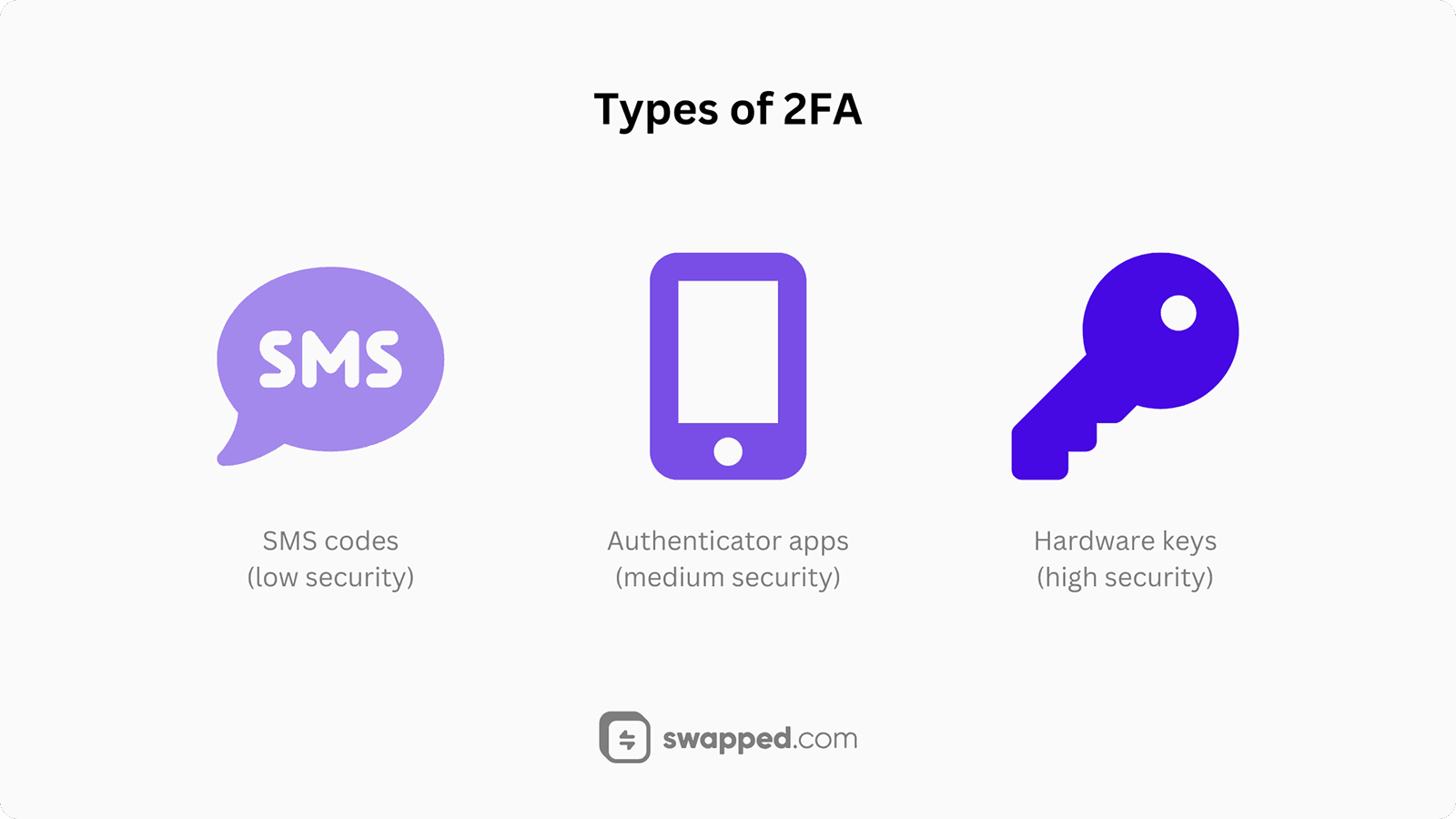
Authentication methods differ in phishing resistance and recovery dependencies.
Text-Message Codes
SMS methods send a code through a phone-number channel. They add a step beyond a password, but depend on that channel’s security and the service’s handling of phone-number changes.
A code can also be entered into a phishing page and relayed. Read the service’s supported alternatives and do not treat possession of a phone number as equivalent to every form of cryptographic authentication.
Authenticator-App Codes
Time-based authenticator apps generate codes from an enrolled secret. They do not need an incoming text message for each code, but enrollment secrets, backups and device access still require protection. The code itself remains sensitive during its usable period.
Manually entered one-time codes are not phishing-resistant under NIST’s definition because they are not bound to the intended session or service. A realistic comparison should state that limit rather than calling them impossible to steal.
Security Keys and Passkeys
Supported FIDO/WebAuthn authenticators can bind authentication to the correct service, helping resist phishing. They may be separate keys or platform features. Device protection, synchronization and account recovery still matter; phishing resistance does not solve every security problem.
Enrolling and Recovering Access
Enable a supported method from the service’s verified security settings. Confirm enrollment using its documented process and understand which actions require it. A message claiming to activate 2FA through an unrelated link should not be trusted.
Read recovery instructions before losing access to the primary device. A service may use backup codes, another enrolled authenticator or an account recovery process. Protect those alternatives because a weak recovery path can undermine a strong login method.
Common Gaps to Avoid
Do not store recovery material in an unprotected place merely for convenience. Also avoid sending authentication codes to a person claiming to be support. A code requested for login or approval should be used only in the verified process you intended to initiate.
Check old devices and enrolled methods when circumstances change. An authenticator that is no longer under your control may still be authorized. Use the service’s documented settings to review access without exposing enrollment secrets.
Finally, separate account authentication from wallet signing. A service’s 2FA does not make a harmful onchain approval safe. Review the requested transaction and protect signing credentials as a distinct responsibility.
Related Concepts
FAQs about 2FA
Does 2FA protect a self-custody recovery phrase?
Not automatically. It normally protects access to the account or service where it is enabled. A recovery phrase can independently authorize a wallet. Protect wallet recovery material and review transaction permissions separately from the security settings of an exchange or email account.